Visual Studio IDE
Office Developer Tools
Experience the most powerful Office development tools with the latest Visual Studio.
Project templates
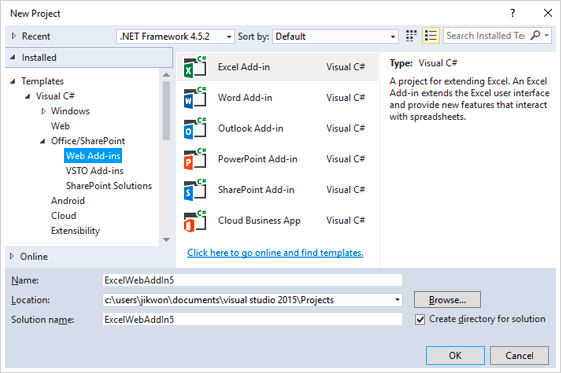
Start with a project that runs right out of the box
Pick a project template and start right away. Extend Office and SharePoint by using JavaScript or .NET, and add the pieces you want by using a rich set of item-level templates.
Guided experience
Set up your project quickly
Answer a few questions in the wizard and we’ll jumpstart your project for you. With that, you can focus on your code and the things that matter to you most like what you want your add-in or app to do.

IntelliSense
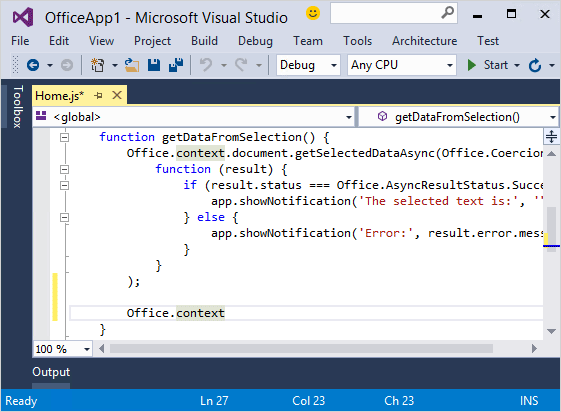
Explore the APIs that are supported on your target Office platform
Get the right IntelliSense for Office and SharePoint APIs based on your target platform and its version. In particular, Visual Studio now helps you explore the Office JS APIs more quickly and correctly than the previous version.
Advanced debugging
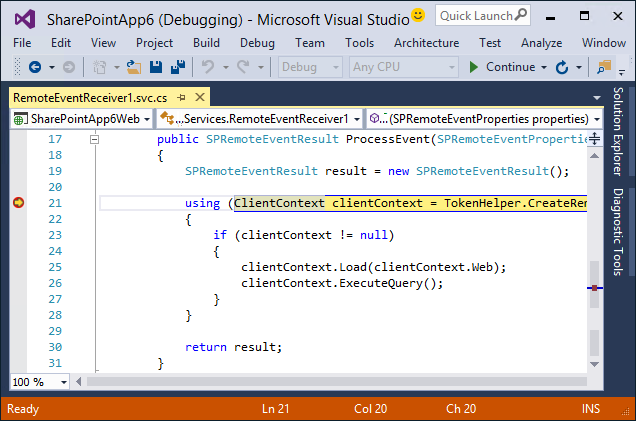
Locally and remotely
Debug your Office or SharePoint projects by using world-class diagnostic tools in Visual Studio. Run your add-in locally in an Office desktop client or SharePoint server, or remotely in an Office web app or SharePoint Online. These tools also make it easier to debug remote events on SharePoint by using Microsoft Azure Service Bus.
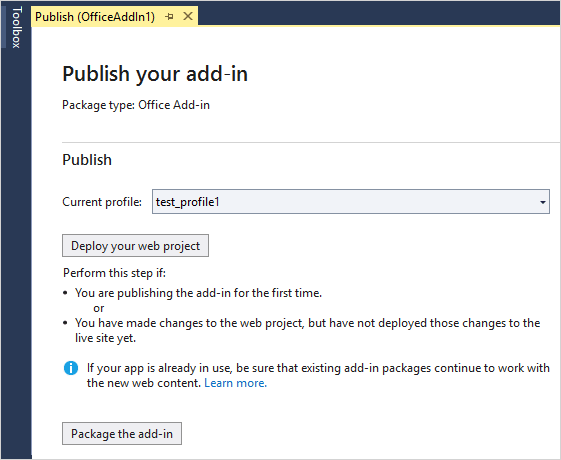
Publishing
Deploy directly to the cloud or to an on-premises server
Publish your add-in to the cloud or to an on-premises server by using the Publish Designer. We’ve streamlined the publishing process so that you can stay in Visual Studio without having to switch between different publishing portals.
Connected services
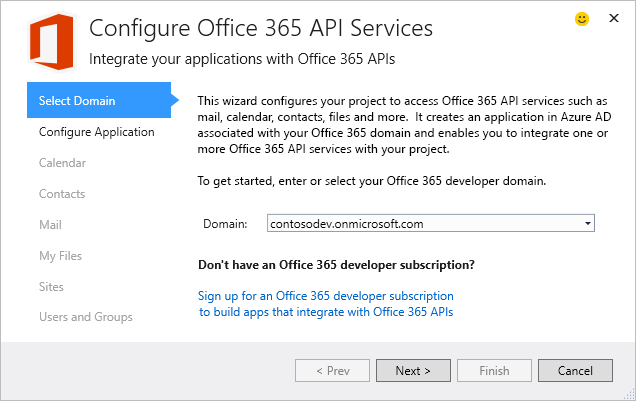
Integrate with Office 365 services
Integrate Office 365 services such as mail, calendar, contacts, files, users and groups into your desktop, web and mobile applications. With Visual Studio, you can easily register your application, acquire the corresponding client libraries and configure authentication to connect to Office 365 services.