
 Visual Studio IDE
 Visual Studio for Mac
 Visual Studio Code
Copilot Free in Visual Studio
Agent mode – your AI-driven Copilot just got supercharged
Experience AI-powered coding assistance that reasons through problems, coordinates next steps, applies changes, and iterates on errors.

GitHub Copilot works shockingly well. I will never develop software without it again.
I was stunned when I started writing Clojure with GitHub Copilot and it filled as idiomatic namespace require, just like I was going to write it.
Get started in just 3 steps
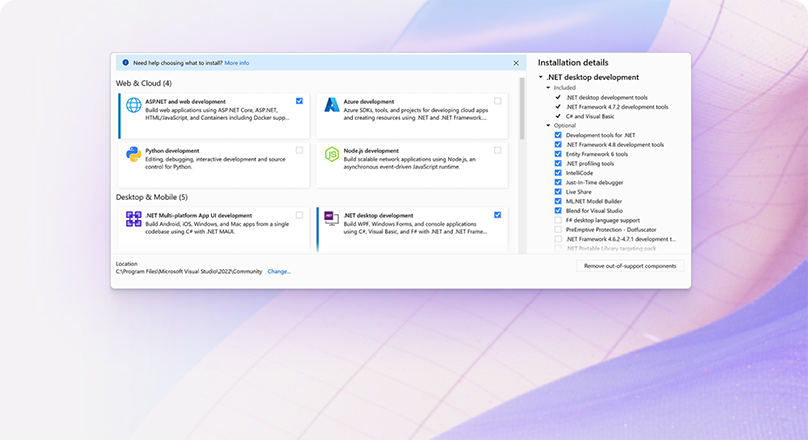

Install latest version of Visual Studio
GitHub Copilot’s latest experience is integrated into Visual Studio and combines the capabilities of GitHub Copilot’s code completion and GitHub Copilot Chat into one convenient package. Download the latest Visual Studio to discover the new features and improvements.
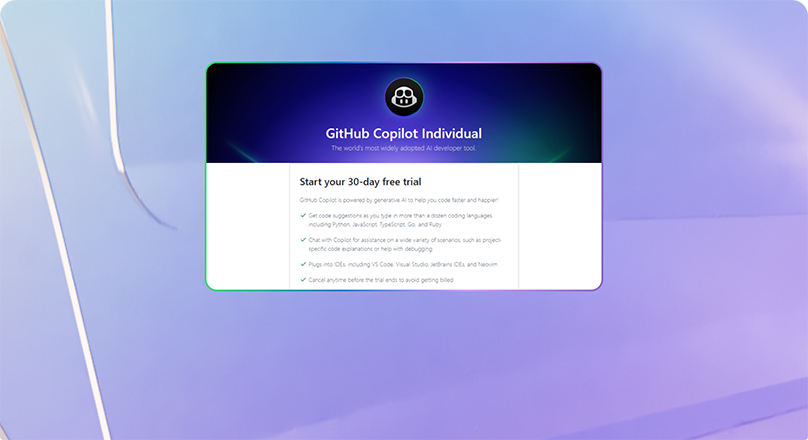

Start using Copilot for free
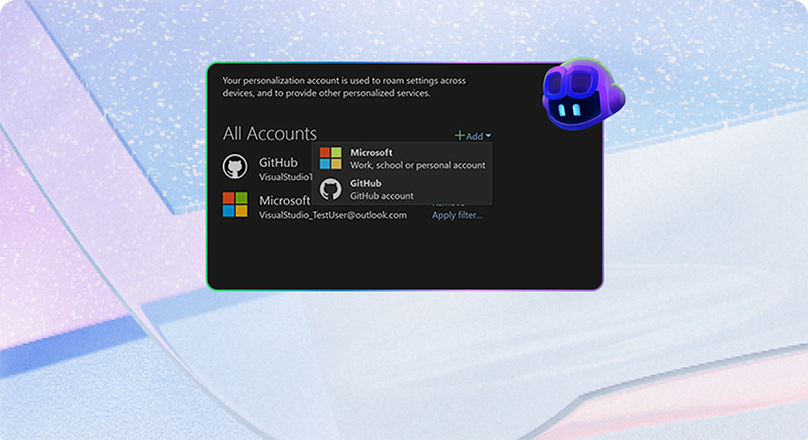

Sign in with your GitHub account
To enable GitHub Copilot, ensure you have added your GitHub account to Visual Studio. For more information, see Work with GitHub accounts in Visual Studio in the Microsoft documentation.
5 tips and tricks
01
Best practices
GitHub Copilot is a coding assistant powered by Artificial Intelligence (AI), which can run in various environments and help you be more efficient in your daily coding tasks. In this new series of content, we will show you how GitHub Copilot works in Visual Studio specifically and how it helps you being more productive.
02
Prompt like a pro
The quality of the output of any Large Language Model depends largely on the quality of the prompt, and GitHub Copilot is no exception. In this new video, Gwyn teaches about “prompt engineering” for GitHub Copilot in Visual Studio , and how to create better results with better prompts.
03
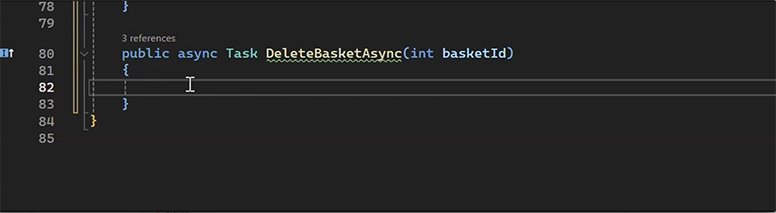
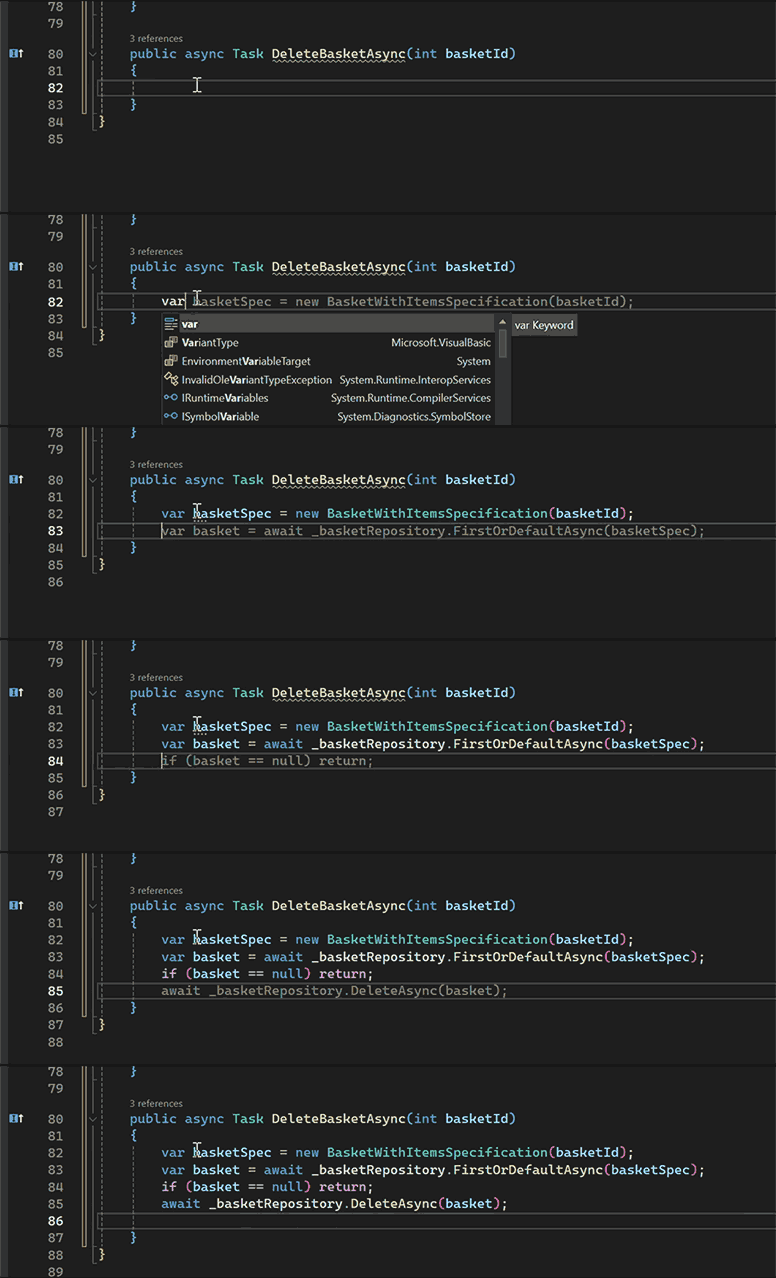
Code completions
Start writing in the editor and Copilot will suggest code as you type.
Tip: press “tab” to accept a suggestion.
04
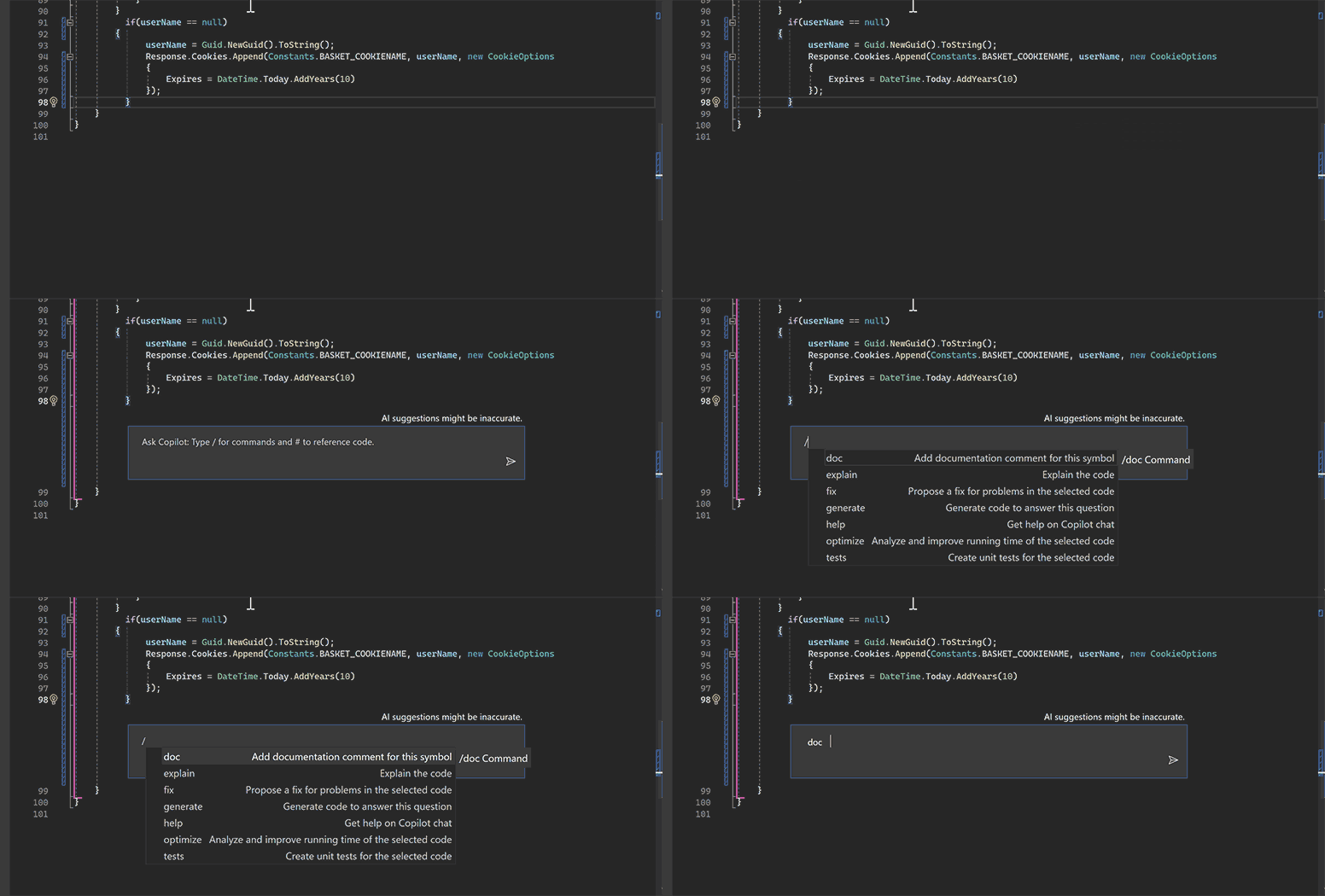
Inline chat
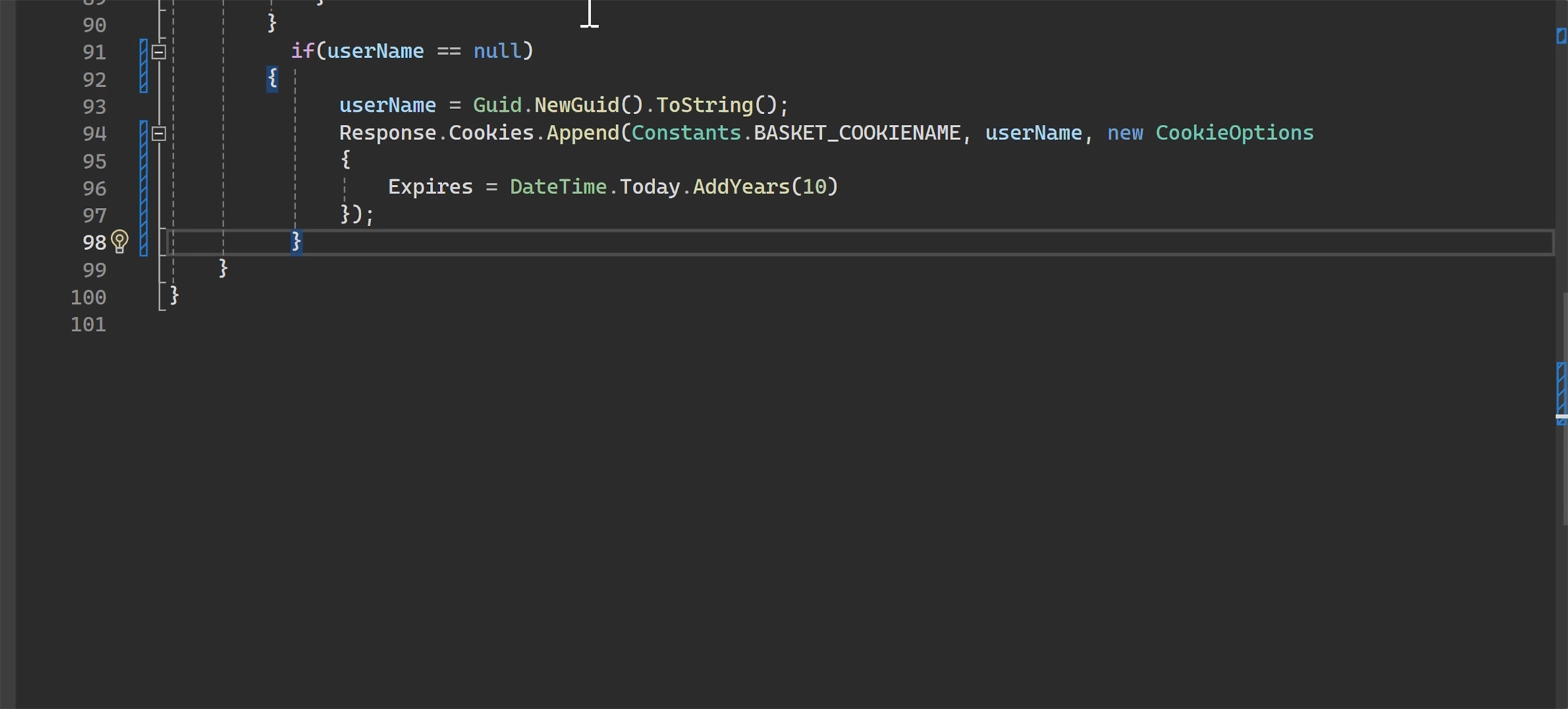
Use Inline Chat will help you write your methods, classes, unit tests by converting your prompts to code. Open Inline by right-clicking in your text file and selecting “Ask Copilot” or Alt + /`
Tip: Use”/” to state your intent or “#” to refer to your files(s). Like “/test for #filename”
05
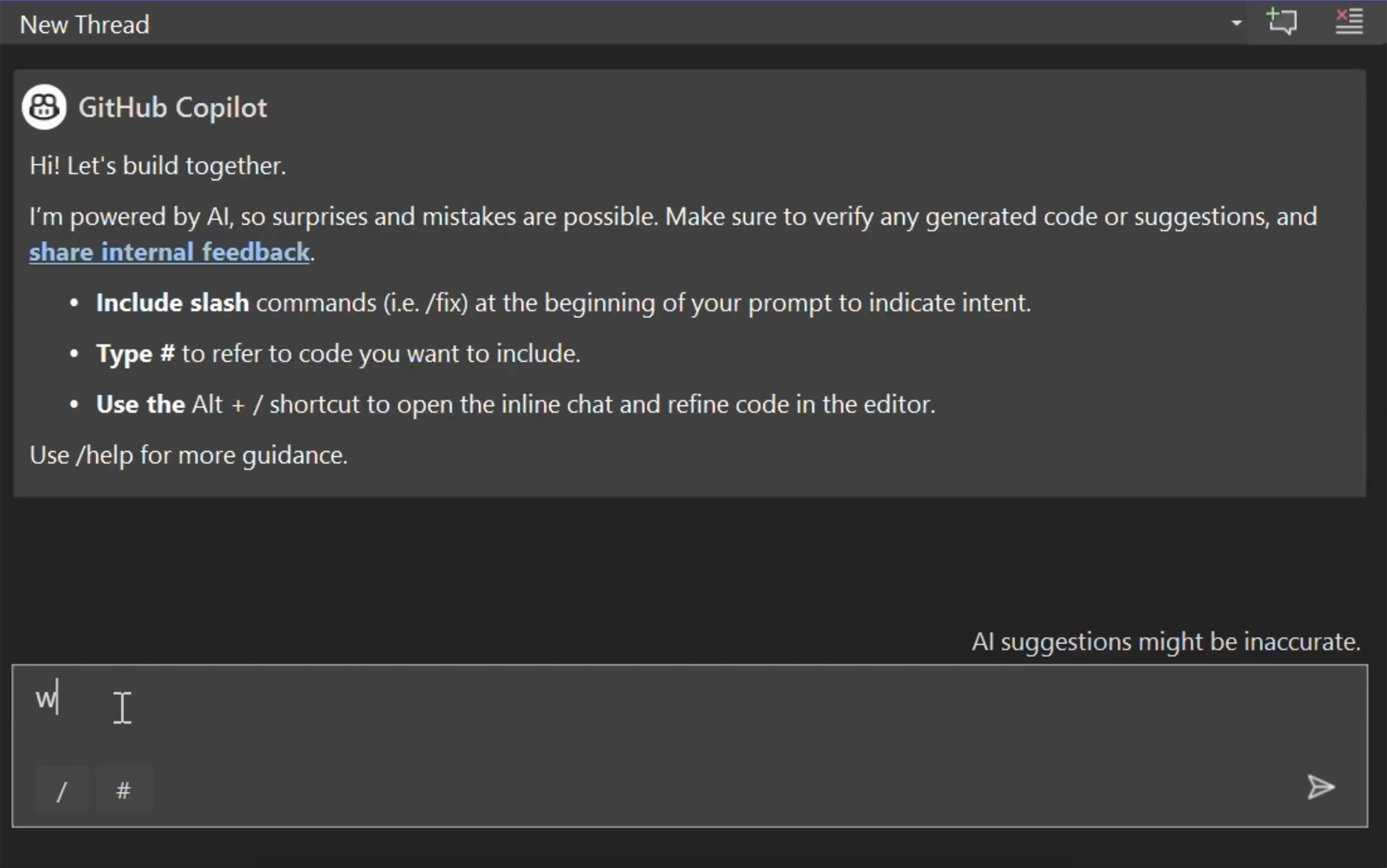
Chat window
Ask questions about your solution or files. Open from the Copilot Badge or CTRL + , C.
Tip: Use #solution to refer to your active solution (only for C#) in Visual Studio

Don’t fly solo
Developers all over the world use Copilot to code faster and do what matters most: building great software.
Free
For getting started with GitHub Copilot.
$0per user / month
What’s included
- 2,000 completions per month
- Access to Haiku 4.5, GPT-5 mini, and more
- Copilot CLI
No credit card required. Verified students have access to the GitHub Copilot Student plan. Learn more
Pro
For everyday coding with agents in GitHub Copilot.
Everything in Free and:
- Access to Cloud agent and code review1
- Unlimited code completion and next edit suggestions2
- Access to 3rd party agents (Claude Code and Codex)
- Model selection
Pro+
For more complex development with premium models.
$39per user / month
Everything in Pro and:
- Access to premium models, including Opus
- Audit logs
- 4x+ included usage than Pro
Max
For sustained, high-volume agent workflows with GitHub Copilot.
$100per user / month
Everything in Pro+ and:
- Priority access to new models and features
- 2.9x+ included usage than Pro+
Business
For teams that want pooled credits and control.
$19per user / month
What’s included
- Unlimited code completion and next edit
- Access to cloud agent and code review1
- Access to broad model catalog
- Access to 3rd party agents
- Access control, budget control, and governance
- IP indemnity and data privacy
- $19 usage monthly per user
Enterprise
For org-wide rollout and larger pooled credits.
$39per user / month
Everything in Business and:
- Priority access to new models and features
- 2x included usage than Business
- Code review will incur Actions usage.
- Response times may vary during periods of high usage. Requests may be subject to rate limiting.