
 Visual Studio IDE
Web frameworks
Visual Studio has excellent support for many types of client-side frameworks.
Angular
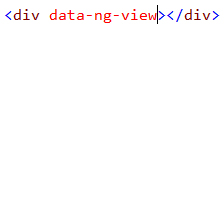
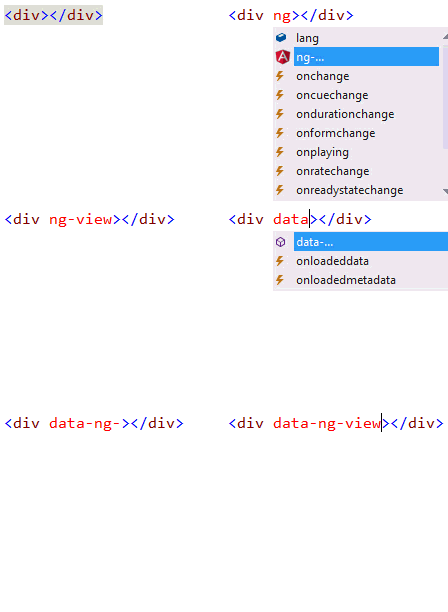
Use modern web platform capabilities to deliver app-like experiences using Angular in Visual Studio IDE. Angular project templates and Full IntelliSense for Angular’s dependency injection system are supported, as well as HTML properties and template bindings.
React.js
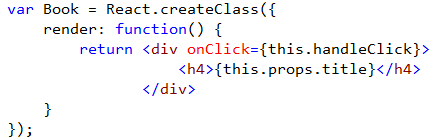
Create a new ASP.NET Core application with React.js using the React.js project template. Enjoy full JavaScript editing support with dynamic IntelliSense as well as a brand new editor for JSX syntax.


Bootstrap
Build responsive, mobile-first projects on the web with the world’s most popular front-end component library. Bootstrap is an open source toolkit for developing with HTML, CSS, and JS. Visual studio makes it easy to identify which classes are coming from the Bootstrap CSS framework by showing the logo in the completion list.